Nineteen Minutes to Midnight (eBook Download)
£0.00
“One of the best time travel stories I’ve read. The author has made this incredible story entirely his own!” – Stewart Bint
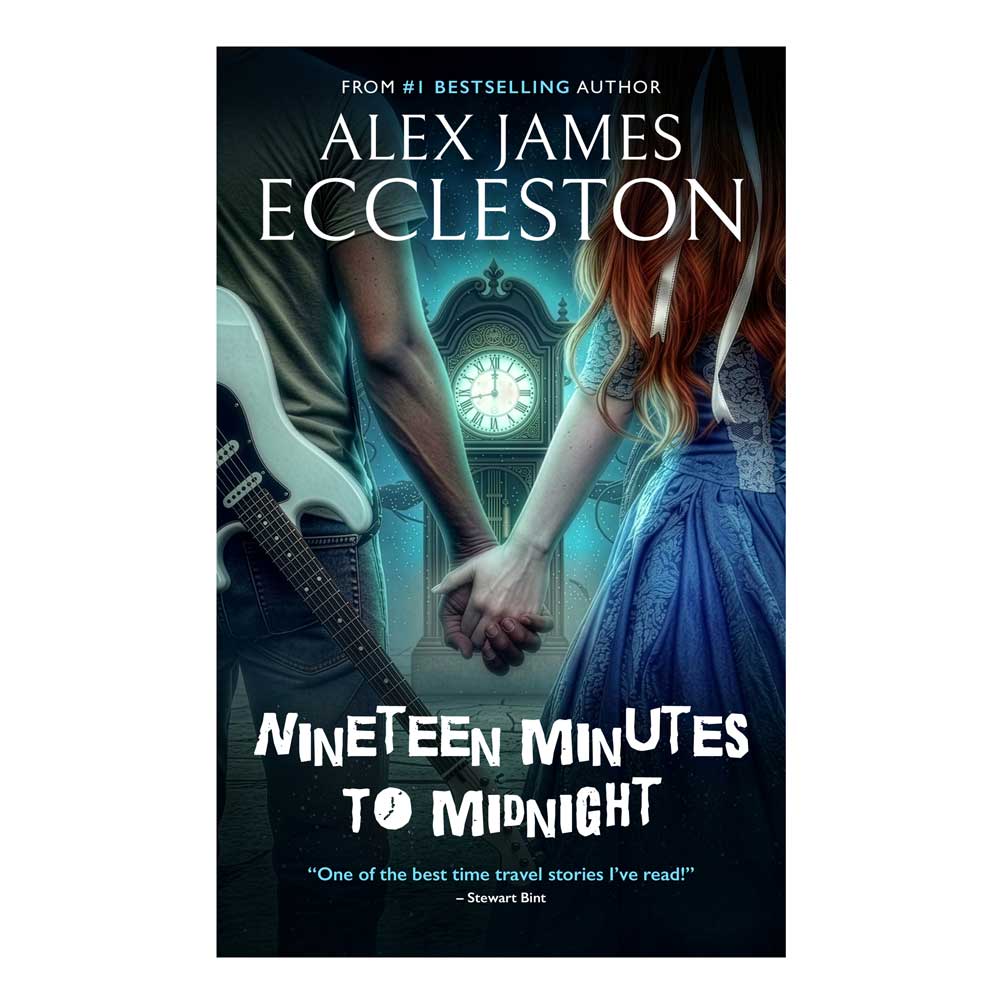
When sixteen-year-old Jerome Adewale moves into a centuries-old house on the edge of a quiet English village, the last thing he expects to find is an old grandfather clock that appears in the attic every night at exactly nineteen minutes to midnight.
But this clock isn’t just any old grandfather clock. It’s a magical gateway to another time.
After stepping through it, Jerome meets Arabella Wentworth, a poet from the 1800s trapped in a world of mystery and fear. Arabella is haunted – both figuratively and literally – by a terrifying entity known as The Shadow Man.
With the help of his new friends, Samantha and Olly, Jerome is pulled into a dangerous mystery spanning across the centuries. Together, they uncover hidden histories, outsmart forces determined to change the past, and discover that time is far more fragile – and far more alive – than they ever imagined.
But meddling with history has its consequences.
And if Jerome makes one wrong move, he won’t just lose Arabella… he could destroy all of time itself.
“Doctor Who meets The Haunting of Bly Manor in this epic, time-twisting sci-fi mystery!”
Description
How to Read Your Downloaded eBook
Kindle Devices & Kindle App
-
Send to Kindle Web: Go to amazon.com/sendtokindle, log in, drag and drop your
.epubfile, and click Send. It will automatically sync across all your Kindle devices and apps within minutes. -
Send to Kindle Email: You can also email the
.epubfile directly to your personal Send-to-Kindle email address found in your Amazon account settings (Content & Devices > Preferences).
iOS (iPhone & iPad)
-
Apple Books: Download the
.epubfile on your device, tap the Downloads icon in Safari, tap the file, and select Open in Books. It will automatically save to your Apple Books library.
Android
-
Google Play Books: Open the Google Play Books Uploads page in your browser, upload your
.epubfile, and it will sync to your Android app. -
Third-Party Reader Apps: You can also download popular reading apps directly from the Play Store like ReadEra or Lithium, open the app, and select Import/Scan for books to read your file instantly.